

Key takeaways
- B2B contact data decays 22 to 30 percent per year, mostly from job changes, so a database can drift past 40 percent stale within two years.
- Employment-linked fields rot together: one job change kills a contact's work Email, Title, direct Phone, and office Address in the same week.
- At a 25 percent annual rate, 100,000 accurate Contacts shrink to roughly 56,000 in two years because decay compounds on whatever is still good.
- Decay is invisible: a field that is present but wrong passes every completeness check, so record age is the only reliable signal.
- Triage stale records into three buckets: refresh the ones that matter, verify the unproven, and delete the ones that cost more than they return.
Your Salesforce org looked clean the day you loaded it. Every Contact had an Email, a Title, a Phone, a company. Reports ran. Reps trusted the numbers. Then time did what time does.
People change jobs. Companies rebrand, merge, and fold. Area codes shift. A Contact who was a VP of Marketing at one company two years ago is now a Director somewhere else, using an email address that bounces. Nothing in Salesforce told you this happened. The record still sits there, complete and confident and wrong.
This is data decay. It is quiet, constant, and it works against every team that touches the CRM.
How fast does B2B data decay?
Commonly cited industry estimates put B2B contact data decay at 22 to 30 percent per year. A large share of that traces to job changes, since people move roles and companies far more often than they change name or industry. At those rates, a Contact database loses roughly a quarter of its accuracy every twelve months and can drift past 40 percent stale inside two years if nothing corrects it. Treat the exact figure as a range, not a precise measurement, because it varies by industry, seniority, and how the list was built.
The number matters less than the direction. Decay is not a one-time cleanup problem. It is a rate. A single scrub in January is already out of date by March, because the underlying reality keeps moving while your records stay frozen.
Which fields rot fastest
Not every field decays at the same speed. Some are tied to a person’s employment, which changes often. Others describe the company itself, which is more stable. Ranking them helps you decide where to look first.
| Field | Decay speed | Main driver |
|---|---|---|
Title |
Fastest | Promotions, role changes, reorgs |
Email (work) |
Fastest | Job changes kill the whole address |
LastActivityDate |
Fast (as a signal) | Silence itself is the signal of decay |
Phone (direct line) |
Moderate | Extensions and DIDs change on moves |
MailingAddress |
Moderate | Office relocations, hybrid work |
Company / Account name |
Slow | Rebrands, mergers, acquisitions |
Industry |
Slowest | Rarely changes for an existing account |
Two patterns stand out.
Employment-linked fields rot together. When a person leaves a company, their work Email, Title, direct Phone, and office Address can all go stale in the same week. One job change corrupts a cluster of fields on a single Contact, not just one.
Company-level fields are more durable but decay in bigger jumps. An Account name does not drift gradually. It is correct for years, then an acquisition changes it overnight and takes a batch of related records with it.
Your org in two years: the decay math
Here is a hypothetical to make the rate concrete. The numbers are illustrative, not a benchmark for your org.
Start with 100,000 Contacts, all accurate on day one. Apply a 25 percent annual decay rate, roughly the midpoint of the commonly cited range.
- Day one: 100,000 accurate Contacts.
- After year one: about 25,000 Contacts have gone stale. You are down to roughly 75,000 accurate records, before you add or fix anything.
- After year two: another 25 percent of the remaining accurate records decays, plus the stale pile keeps growing. Accurate Contacts fall to roughly 56,000. More than 40,000 records are now wrong in at least one employment-linked field.
The compounding is the part people miss. Decay does not add a flat number each year. It eats a percentage of whatever is still good, so the accurate pool shrinks while the stale pool grows on top of last year’s stale records. Two years of silence turns a clean org into one where nearly half the Contacts carry a wrong Title, a dead Email, or both.
Now layer in reality. You are also loading new Leads, importing event lists, and syncing from marketing tools, all of which arrive with their own decay already baked in. The 56,000 figure assumes you added nothing dirty. Most orgs do.
What decayed data actually costs
Stale records do not sit quietly. They cost real time and real money across every team.
Sales reps burn hours on dead ends. A rep calls a direct line that now rings a stranger, or emails a contact who left eighteen months ago. Each attempt costs minutes, and enough of them costs trust in the whole database.
Marketing pays to reach ghosts. Every send to a decayed Email drives up bounce rates, drags down sender reputation, and inflates the cost per real conversation. Campaign metrics look worse than the campaign actually performed.
Reports quietly mislead. A pipeline built on Contacts with dead Emails and wrong Titles still produces a clean-looking dashboard. Nobody sees the decay, so nobody discounts the forecast. Leadership makes decisions on numbers that describe a company that no longer exists in that shape.
AI makes it worse, faster. Feed an agent a Contact with a stale Title and it will confidently address the person by a role they left. The record is complete, so the agent trusts it. Decayed data does not trip an error. It produces wrong actions that look right.
The common thread is invisibility. A missing field is easy to spot. A field that is present but wrong looks identical to a field that is present and correct. Decay hides inside records that pass every completeness check.
Detecting decay you cannot see
You cannot fix decay by staring at a Contact record. The Email looks like an email. The Title looks like a title. The only reliable signal is age: how long since anyone touched or confirmed this record, measured against the date fields Salesforce already tracks.
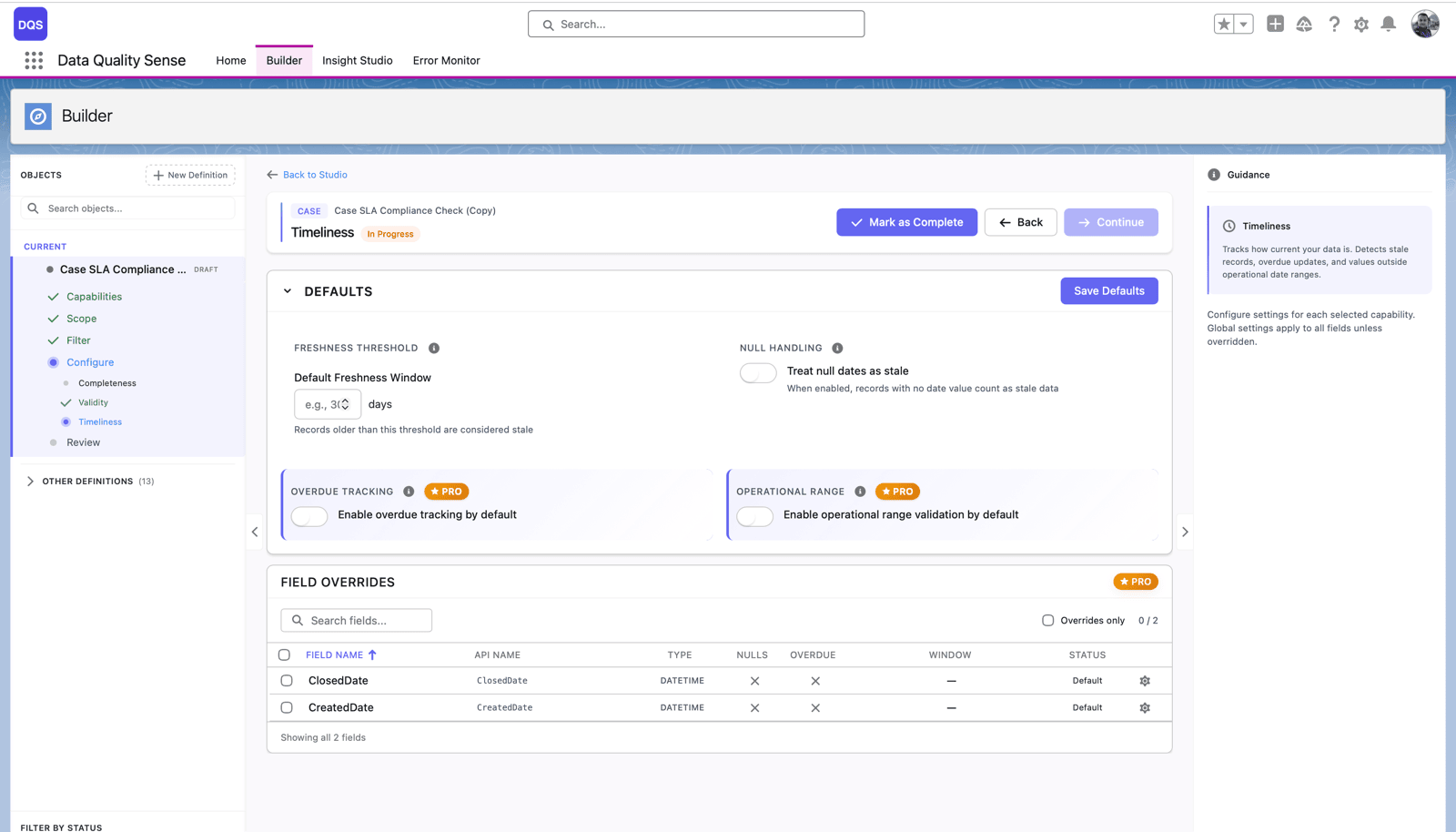
This is where the Timeliness capability in Data Quality Sense (DQS) does its work. In the product it appears as Data Freshness, and it measures the age of records based on date fields such as LastActivityDate, LastModifiedDate, or any date field you choose, against thresholds you configure. Set the bar to your reality. A field sales team might flag any Contact with no activity in 90 days. A slower cycle might use a year.
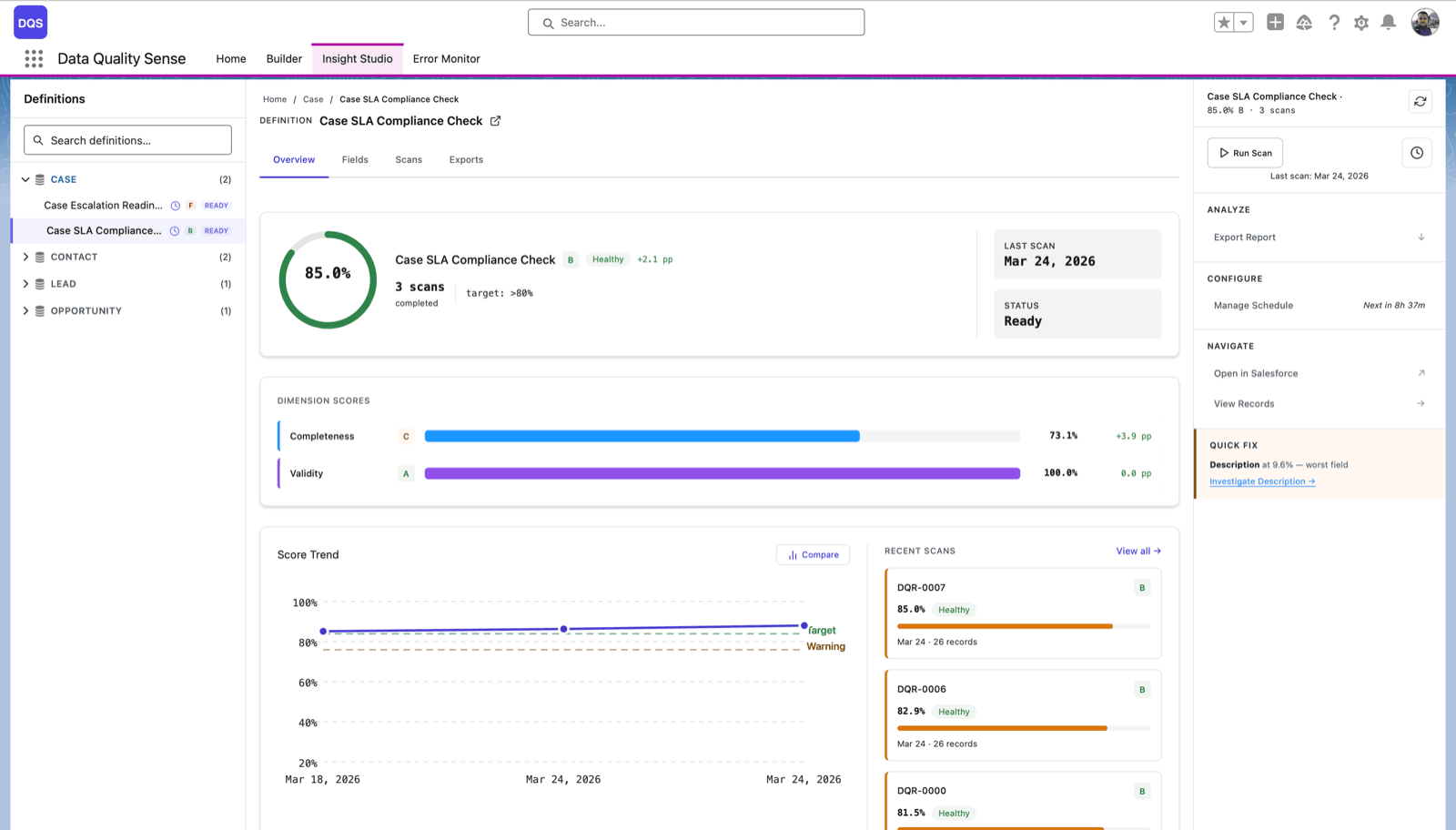
DQS scans your records in batches, on demand or on a schedule, and reports which records fall past your freshness threshold. It shows the share of stale records per object and field, tracks the trend over time, and lets you compare one scan to the next so you can see decay accelerating or slowing.
To be clear about what the tool does and does not do: DQS detects and reports staleness. It does not refresh, enrich, or verify the data against an outside source, and it does not overwrite a dead Email with a live one. It surfaces the decayed records so a human, or a downstream process, can act on them. From a scan, you can create Tasks on the impacted records or post Chatter messages to route the follow-up to the right owner.
Refresh, verify, or delete: a triage playbook
Once a scan surfaces your stale records, sort them into three buckets. Not every decayed record deserves the same effort.
Refresh the records that still matter. These are Contacts at target accounts, open opportunities, and active relationships. A wrong Title or dead Email on a live deal is worth the manual work or the third-party lookup to correct. Prioritize by revenue impact, not by volume.
Verify the records you are unsure about. A Contact with no activity in a year is not automatically dead, but it is unproven. Route these to a light-touch check: a re-engagement email, a quick call, or a confirmation step in your next campaign. The freshness scan tells you which records earned this scrutiny.
Delete or archive the records that cost more than they return. A Contact that has been silent for two years, sits at a non-target account, and bounces on send is pulling down your marketing metrics and cluttering every report. Removing it makes the rest of your data more trustworthy, not less complete.
Run the triage on a cadence, not once. Decay is a rate, so detection has to repeat. Schedule the freshness scan monthly or quarterly, watch the trend line, and act on the new stale records before they compound into next year’s 40 percent.
Clean data is never finished. It is maintained. The orgs that stay trustworthy are the ones that measure age on a schedule and act on what the measurement shows, instead of scrambling for one heroic cleanup every couple of years while decay quietly does its work in between.
To go deeper on measuring record age and setting thresholds, see Timeliness. For worked examples of freshness checks on real objects, see Timeliness scenarios.

Michał Bajdek
Co-Founder, Data Quality Sense
Salesforce Architect and AppExchange ISV founder focused on optimizing enterprise workflows. Certified System and Identity Architect who previously built Salesforce solutions at Accenture, PwC and IBM’s Waeg.